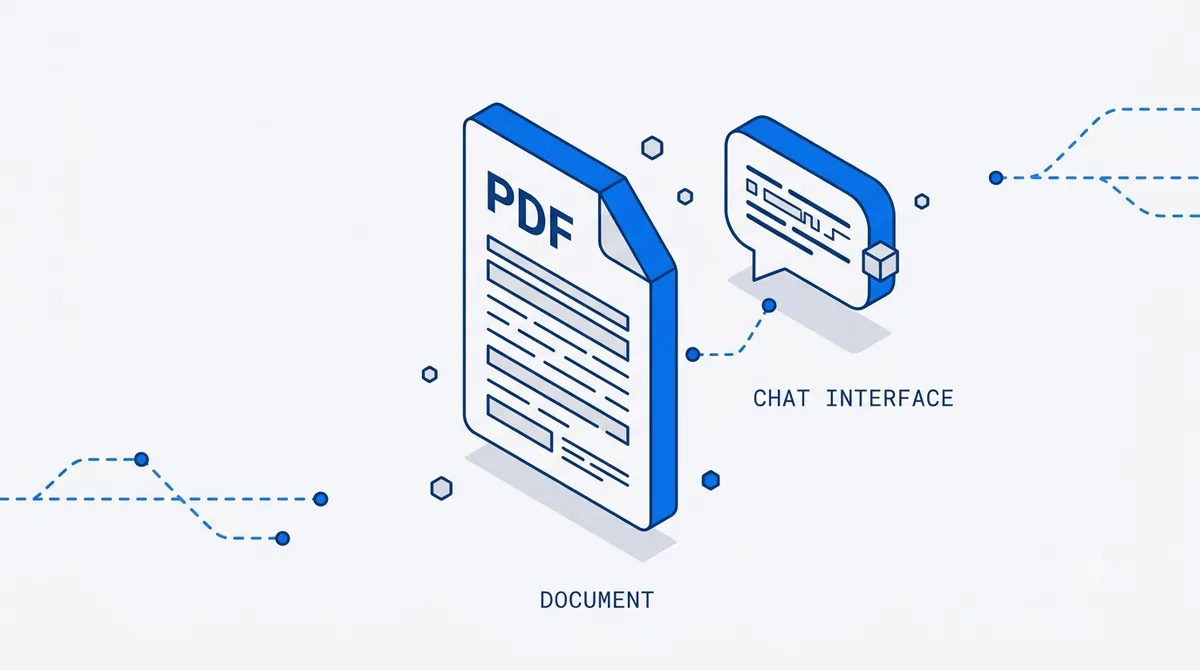
When you drop a PDF into PDFLove AI and ask a question, a lot happens in the two seconds before the answer appears. The chat box is the easy part. Everything underneath it — reading the file, making it searchable, finding the right passages, and grounding the answer so you can trust it — is where the real work lives. Here’s the whole pipeline, end to end, in plain terms.
Step 1: Read the file
PDFs come in two flavors, and they’re read very differently.
Born-digital PDFs — the ones exported from Word, Google Docs, or a design tool — carry a real text layer. The characters are already there; the parser reads them directly, along with the position of every word on the page. That’s fast and lossless.
Scanned or image-only PDFs are just pictures of pages. There’s no text to read, so before anything else can happen, the pages go through OCR (optical character recognition). OCR looks at the image, recognizes the shapes as letters and words, and reconstructs a text layer — across 90+ languages, so scanned contracts and international paperwork stay in scope.
Along the way, structure matters too. Tables, headings, and columns aren’t just text; their layout carries meaning. Good parsing preserves that so a figure in row three, column two doesn’t get scrambled into the surrounding prose.
Step 2: Chunk it
A model can’t reason well over a 200-page document dumped in as one block, and it doesn’t need to. So the text is split into chunks — passages sized to be a sweet spot: small enough to retrieve precisely, large enough to keep their surrounding context intact.
Chunking is quietly important. Split too finely and a passage loses the sentence that gave it meaning. Split too coarsely and retrieval drags in paragraphs of noise around the one line you needed. Chunks are usually kept aligned to natural boundaries — paragraphs, sections, table rows — and tagged with their page number so every piece remembers where it came from.
Step 3: Retrieve
This is the step that makes “chat with any PDF” possible without feeding the model the entire document every time.
When you ask a question, your question is turned into a form that can be matched against all those chunks. The system finds the handful of passages most likely to actually answer what you asked — not by keyword matching alone, but by meaning, so “what’s the penalty for late payment?” surfaces the clause about “liquidated damages” even though the words don’t match.
Only those few relevant passages move forward. This is why you can ask questions of a PDF that’s far too big to fit in any single prompt: retrieval narrows a whole document down to the pieces that matter for your specific question.
Step 4: Ground the answer
Here’s the part that separates a tool from a party trick. The model is only allowed to answer from the retrieved passages — not from its general training, not from a guess. And with each claim, it returns the page and passage the claim came from.
That grounding does two things. It sharply reduces made-up answers, because the model has the actual source text in front of it. And it makes every answer verifiable: you click the citation, land on the page, and confirm in seconds.
Why citations are the whole point
const { answer, citations } = await client.ask({ documentId, question });The citations array is the difference between a chatbot and a tool you can rely on. An answer you can’t trace is just a confident opinion. An answer that points to page 14, paragraph 2, is something you can forward, cite, or act on. If a claim can’t be traced back to the source, it doesn’t ship.
Where your document lives while all this happens
A fair question: to do all this, does your file get uploaded somewhere? No. Your PDF stays in your browser — it’s stored locally in IndexedDB and is never uploaded to a server. When you ask a question, only the extracted text needed to answer travels to the AI provider, over an encrypted connection, and it’s never used to train models. The source file stays with you; only the relevant passages make the trip. We go deeper on this in our private PDF AI explainer.
Common questions
Does chatting with a scanned PDF work as well as a digital one? Almost. OCR reconstructs the text first, so answers and citations work the same way — quality just depends on how clean the scan is. Faint or skewed pages can lower OCR accuracy.
Why does it only send some of the text and not the whole PDF? Because retrieval already found the passages that answer your question. Sending only those keeps answers focused, faster, and more accurate — and keeps the rest of your document out of the request entirely.
Can it answer across several documents at once? Yes. Multi-document search retrieves from all your documents, so you can ask one question and get an answer that spans the whole set, each point cited to its source.
What stops it from making things up? Grounding. The model answers only from retrieved passages and cites each one, so you can check any claim against the page it came from.
Curious how it feels in practice? Chat with your first PDF and watch the citations do the work.
Written by
Sam Okafor
Product, PDFLove AI
Sam writes about document workflows and retrieval-augmented answering. He works on how PDFLove AI turns messy PDFs into cited answers people can trust.