A summary you can’t trust is worse than no summary. The goal isn’t fewer words — it’s the right words, with a path back to the source. That matters most on the documents you can’t just skim: the annual report, the 200-page compliance filing, the research monograph you’ve been putting off. This is how to get through very long documents with AI and come out with something you can act on.
Why long documents break naive summaries
Ask a tool to “summarize this 100-page PDF” and a weak one will read the first few pages, run out of room, and hand you a confident summary of the introduction. Length is the enemy of accuracy — unless the tool is built for it.
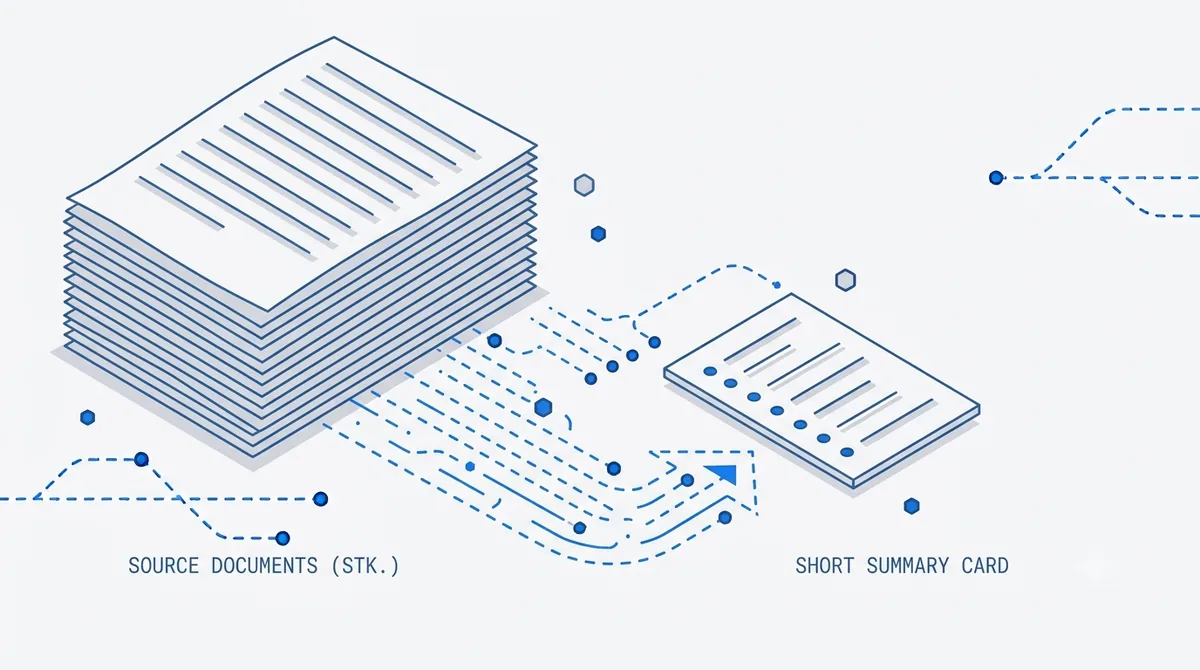
The fix is retrieval-based summarization. Instead of trying to cram an entire document into one pass, the document is parsed, split into passages, and each section is condensed with its page kept attached. Then those pieces are stitched into a coherent whole. That’s what makes it possible to summarize a long PDF document faithfully — the work scales with the document instead of falling off a cliff at page 20.
Ask for structure, not just length
The single biggest upgrade to any summary is telling the tool the shape you need. Instead of “summarize this,” ask for the output you’ll actually use:
- “List every deadline and who owns it.”
- “What are the three biggest risks, with the page each is on?”
- “Give me the financial figures as a table.”
- “Summarize each section in two sentences, in order.”
A section-by-section request is the trick for a genuinely huge file. When you need to summarize a 500-page PDF, don’t ask for one paragraph — ask for a structured outline that mirrors the document. You get a map you can navigate, then zoom into any part with a follow-up question.
Read faster by asking, not scrolling
The fastest way to read a PDF faster using AI isn’t to read the summary top to bottom — it’s to interrogate it. Get the structured overview first, then ask questions of the PDF that target what you care about: “What changed since last year?” or “Show me everything about the Q3 shortfall.” You skip straight to the 5% of a long report that’s relevant to you.
For a set of related documents — several reports, multiple filings — multi-document search lets you summarize across all of them at once and compare, instead of summarizing each one separately and holding it all in your head.
Verify before you rely
Every point in a PDFLove AI summary carries a citation. You don’t have to trust the whole thing blindly. Skim the cited pages for the two or three claims that actually matter before you forward it on. Two minutes of checking beats an hour of cleanup — and because your PDF stays in your browser and never gets uploaded, only the text needed for the summary is sent to the AI, encrypted, and never used for training.
Common questions
Can it really summarize a 100-page PDF accurately? Yes — because it summarizes section by section with retrieval rather than a single overloaded pass, and cites each point back to its page so you can verify.
How do I summarize a 500-page PDF without a wall of text? Ask for a structured, section-by-section outline instead of one paragraph, then drill into any part with follow-up questions.
Do the citations work on scanned reports? Yes. OCR (90+ languages) reconstructs the text first, so even scanned filings get page-level citations.
Got a long report waiting? Summarize it in minutes and jump straight to what matters.
Written by
Priya Nair
Engineering, PDFLove AI
Priya is an engineer focused on OCR, parsing, and summarization quality. She works on reading the documents that were never built to be read by machines.